Chargement de la page…
Check eligibility using your own seller account, for the exact ASIN, marketplace, and condition targeted, right before ordering. A brand sold by another account, or one that was authorized yesterday, proves nothing for your current situation. Use the Seller Central flow or the official Listings Restrictions API with the seller's authorization, keep the response, its reasons, and its next-step links. If an approval, document, or action is requested, do not order while assuming it will be accepted. At the same time, check the product's compliance: the absence of a listing restriction does not replace legal obligations or FBA rules.
A restriction depends on several dimensions
Amazon documents an API dedicated to listing restrictions. The getListingsRestrictions operation returns the restrictions applicable to a catalog item. The request and response are contextualized by parameters such as the ASIN, the seller, the marketplace, and, when used, the product condition. This structure makes any static list of "open brands" dangerous.
Status can vary by seller account. It can also differ between countries or between new and used condition. A check should therefore record:
| Field | Evidence to keep | Why |
|---|---|---|
| sellerId or account | authorized account queried | eligibility is specific to the seller |
| ASIN | exact item | a brand alone is not enough |
| marketplaceId | targeted market | decisions can differ |
| conditionType | new, used, or other condition | condition can be relevant |
| restriction | full response | avoid an incomplete summary |
| reasonCode | returned reason | guides the next action |
| links | path provided by Amazon | request an approval if possible |
| observed_at | date and time | know when the check was made |
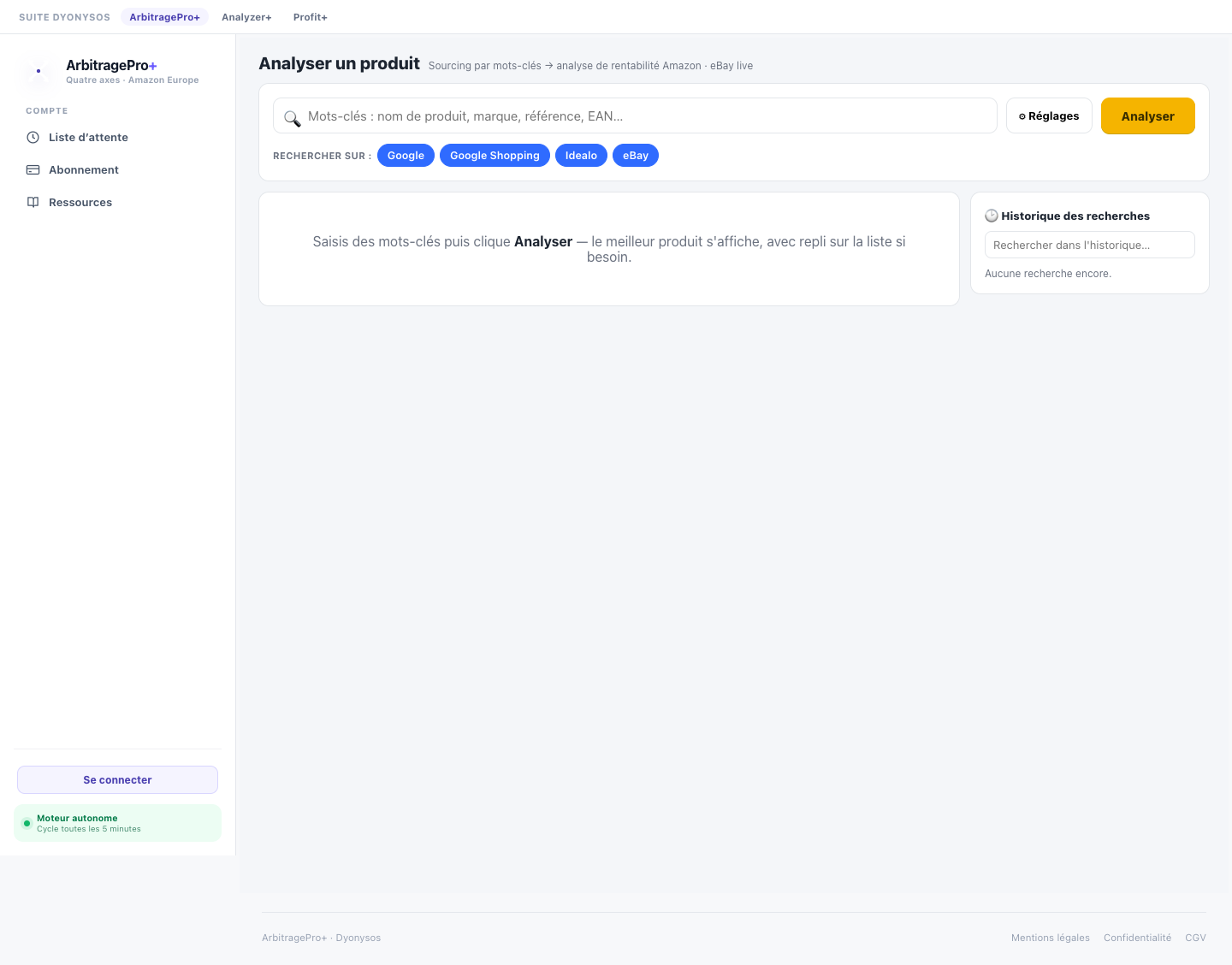
The editorial screenshot above shows only a redacted public view. It does not demonstrate the existence of an authenticated checklist in the application, nor the state of an Amazon account.
Querying the source that can answer for the account
The Listings Restrictions API provides programmatic access, but it requires seller authorization and the appropriate role. Amazon explains that restriction reasons can indicate that an approval is required, and that the response may provide links to next steps. An empty response for the queried parameters must be archived as-is; it does not amount to a general authorization for the whole brand.
Reproducible procedure:
1. Identify the child ASIN and the condition actually planned. 2. Choose the marketplace where the offer will be created. 3. Query the account's Seller Central flow or the authorized official API. 4. Keep the useful request, the timestamp, and the full response with no token or sensitive data. 5. Read every reason and every provided link, without translating them into a simple yes/no. 6. Complete the requested step before purchasing, if available. 7. Redo the check after any change to the variant, condition, or marketplace. 8. Reconfirm right before ordering when the business decision depends on it.
Never work around a restriction by creating an incorrect ASIN, choosing an inaccurate condition, or linking a different variant. This behavior degrades the catalog and exposes the seller to compliance action.
Distinguishing eligibility, authenticity, and compliance
The absence of a listing restriction does not prove the product is authentic, safe, or eligible for the chosen logistics program. Amazon's public compliance page presents requirements that vary by product and country. The page also reminds sellers that they must conduct their own legal assessment.
Separate three verdicts:
listing_eligibility: what the account can currently list for the queried context;supply_chain_evidence: what the invoice and documents prove about the origin;product_compliance: what applicable rules require for this product and this market.
The article on the supplier invoice and ungating helps prepare documents without inventing a universal requirement. For batteries, aerosols, pressurized products, or other sensitive families, the check on dangerous goods for FBA remains independent.
Refusing shortcuts before buying
An approval obtained for one category does not automatically extend to all its brands or ASINs. An invoice received after the order may not match what the flow requires. A brand authorization does not exempt you from safety rules or listing accuracy.
Before committing funds, require that the following four conditions be documented: correctly identified item, account eligibility, available supply-chain evidence, and checked product compliance. If any one is missing, the file stays blocked.
The final Seller Central checklist should be replayed at the last moment. Amazon's statuses can change; an old screenshot is not a permanent pass.
Logging without exposing the account
Keep an internal verification ID, the ASIN, the marketplace, the condition, the time, the verdict, and the reason codes. Do not store an access token, a personal address, or a screenshot containing account data in an article or a shared export.
The log should be able to answer two questions: what information did Amazon return, and what decision did the seller make? A statement like "brand validated" is too broad. Prefer "no restriction returned for this ASIN, this account, this condition, and this marketplace at this moment," if that is indeed what was observed.
Checklist before paying the supplier
- The child ASIN matches the product and its packaging.
- The marketplace and condition match the future offer.
- The check is run with the relevant seller account.
- Amazon's response and reasons are archived with no secrets.
- Any requested approval is obtained, not just started.
- Supplier documents match the current flow.
- Authenticity and the supply chain are assessed separately.
- Product and FBA rules have been checked.
- The check is repeated right before ordering.
- Uncertainty blocks the purchase rather than being hidden.
What ArbitragePro+ can automate / what the seller must verify
The proposed specification checklist-restrictions could record the check's context, keep reason codes, and prevent an old response or one from another marketplace from being reused. It should never display a blanket brand authorization inferred from a single ASIN.
The seller must log into their authorized account, follow Amazon's steps, obtain approvals, verify documents, and confirm legal compliance before buying.
Official sources
- Amazon Selling Partner API, "Listings Restrictions v2021-08-01," https://developer-docs.amazon.com/sp-api/lang-en_EN/reference/listings-restrictions-v2021-08-01 — accessed 2026-08-17.
- Amazon Selling Partner API, "Get listings restrictions for an item in the catalog," https://developer-docs.amazon.com/sp-api/lang-pt_BR/docs/get-listings-restrictions — accessed 2026-08-17.
- Amazon France, "Product compliance," https://sell.amazon.fr/solutions-conformite/produit — accessed 2026-08-17.
Bring the checks together before buying
Open the ArbitragePro+ analysis to review the available product information and assumptions.